 Young Web Solutions
Starting point
We were tired of working around other people's sliders.
Before and after comparisons sell work: renovations, retouching, cleaning, treatments, landscaping. We added them to Wix sites often, and every app we tried had the same mix of problems. They loaded slowly and weighed down the page. Their designs looked like they were made years ago. Simple things, like a video comparison or a few projects in one slider, weren't possible. And when something broke, nobody answered.
So we built Before and After Pro the way we wanted one to work: small enough that it doesn't slow the site, flexible enough to match any design, and set up entirely by clicking and dragging in the Wix editor.
- Slow loading
- Dated designs
- Missing features
- No support
Try it
This is the real widget. Drag it.
The same code that runs on Wix sites, running on this page. Pick a style and try it with your mouse or finger.
Drag the handle, or click anywhere on the image.
What it does
Everything we missed in the other sliders.
Drag to compare
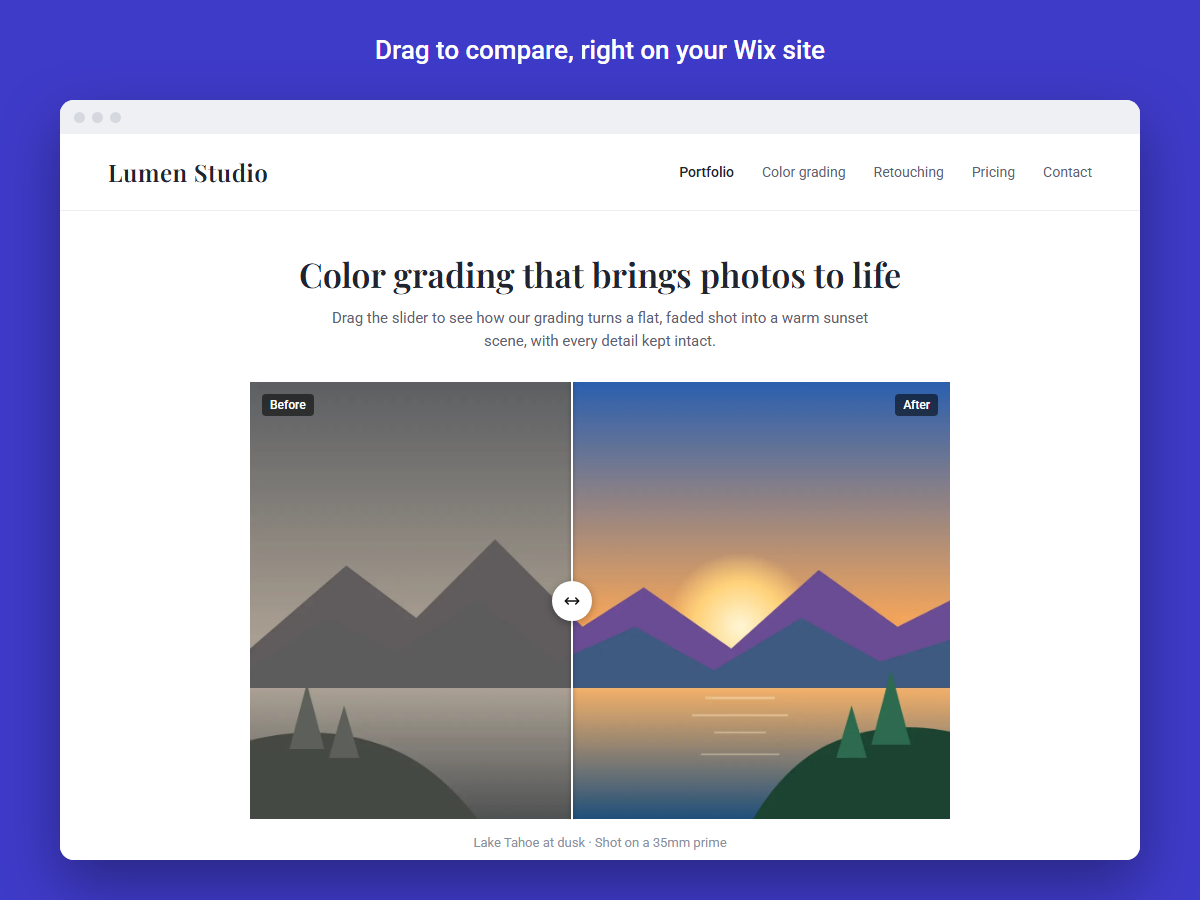
Side by side or top and bottom, with any start position. Works with a mouse, a finger or the keyboard.
Trail, pixel and blur
Visitors uncover the result as they move: a soft trail, a pixel trail, or a blurred photo that turns sharp.
Several comparisonsPremium
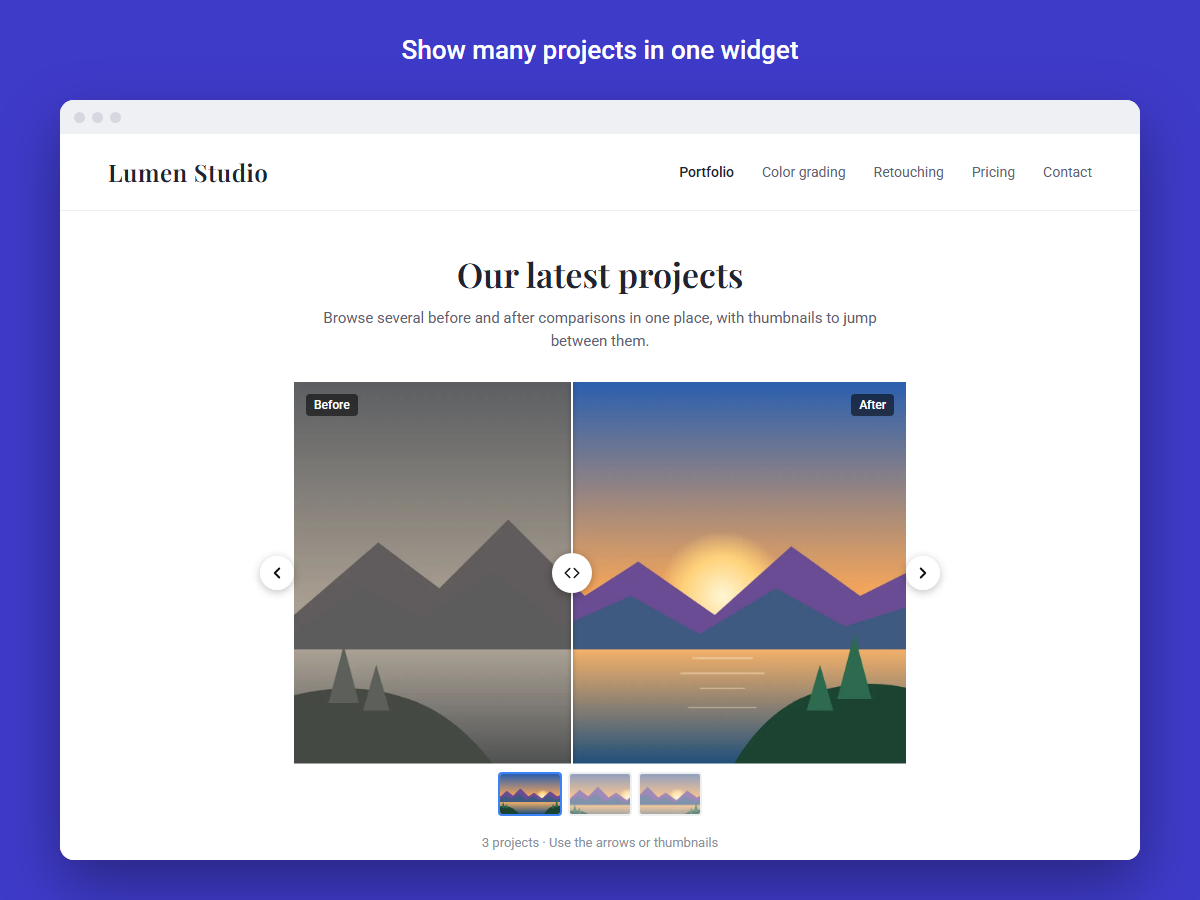
Many projects in one widget, browsed with thumbnails, dots or a grid. Each one has its own images.
Video comparisonsPremium
Compare two videos, or a video with a photo. On mobile, a cover image can show instead to save data.
Auto-animationPremium
The slider can move by itself to show visitors what to do, then stops as soon as they take over.
Match any site
Line, handle shape, icon, colours and labels, all with live previews. Fonts follow the site.
Desktop, tablet, mobile
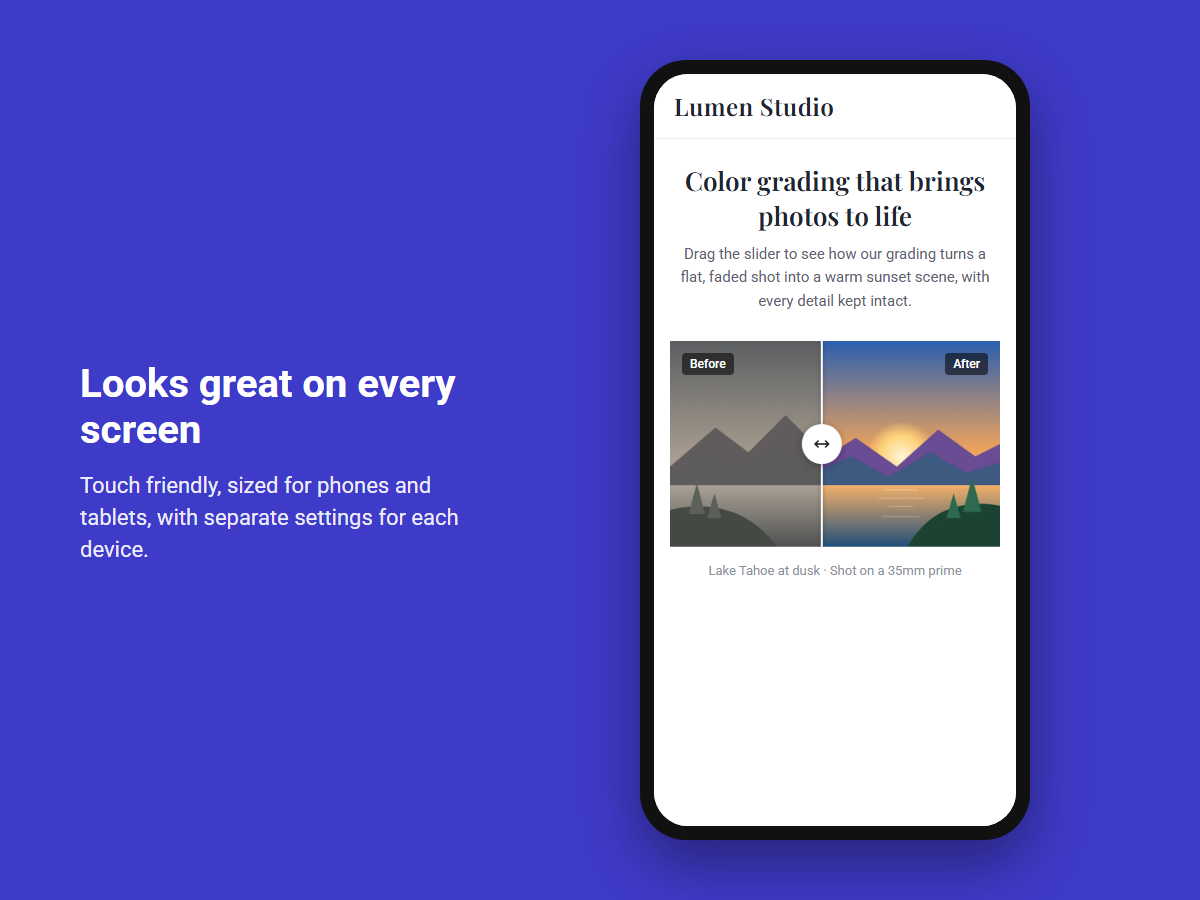
Change settings for each screen size, like a smaller handle or hidden labels on phones.
Size and position by dragging
The widget fills the box you drag in the editor. Each photo can be nudged left, right, up or down to line up.
In the editor
Set up by clicking, not by reading manuals.
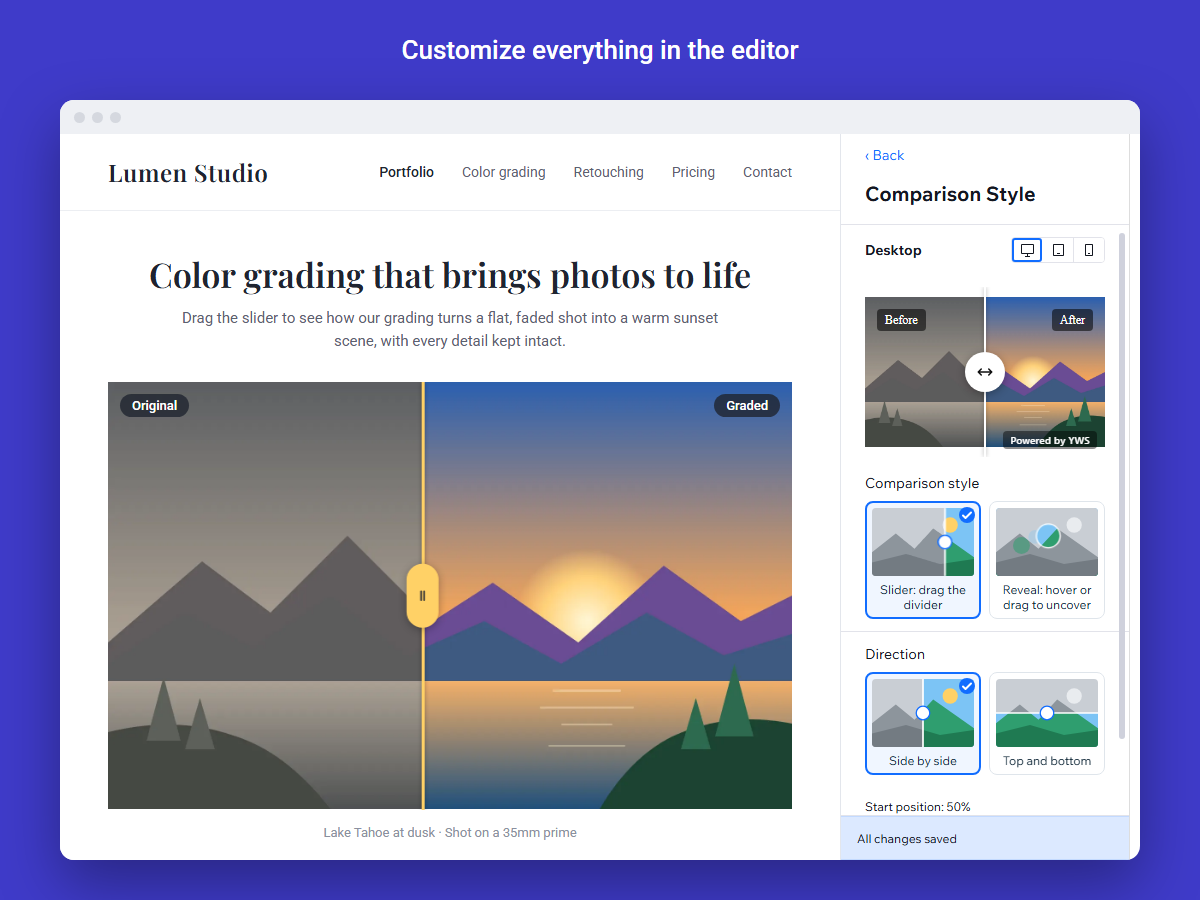
Every choice in the settings panel is a picture, so owners can see what they're picking. These loops run the real widget.
Images & Videos
Comparison Style
Design
Multiple Comparisons
Screens
From the settings panel to the live site.
Swipe to see all four screens →
Speed
Fast by design, not by luck.
Slow sliders were the main reason we started, so speed was a rule from day one. Every release is checked against a size budget, and the build fails if the widget grows past it.
The widget loads after the rest of the page, so it doesn't hold back the site's own content or its search ranking. Images are sized to the screen, start with a tiny blurred preview, and photos further down the page only load when the visitor gets close.
How we work
Tested before every release.
Before and After Pro is built in small releases. Each one passes a full set of automated checks before it reaches a site, and updates reach every installed site on their own, with nothing for the owner to click.
- Design for the owner. Group the settings the way people think, and show every choice as a picture.
- Build on the platform. Sizing comes from the Wix editor's own box, and uploads go to the site's Wix Media.
- Test in real browsers. 128 unit tests and 60 browser tests cover layouts, effects, devices and plans.
- Release in small steps. Fixes and features roll out to every site automatically.
Plans
Free to start. Premium when you need more.
Free
Everything most sites need.
- One comparison per widget
- Slider, reveal trail, pixel trail and blur
- Full design control: line, handle, icon, labels
- Settings for desktop, tablet and mobile
- A small "Powered by YWS" badge
Premium
For portfolios and businesses that show a lot of work.
- Several comparisons in one widget
- Video comparisons
- Auto-animation
- No badge
- Upgrading unlocks features on the live site, without republishing
Built for trust
Good for visitors, easy on the owner.
Keyboard friendly
The handle works with arrow keys and shows a clear focus ring.
Alt text for every image
Owners can describe each photo for screen readers and search engines.
Respects reduced motion
Auto-animation stays still for visitors who've asked their device for less motion.
No visitor tracking
The widget doesn't set cookies or collect anything about visitors.
Hints only for the owner
Setup tips and Premium notes show in the editor. Visitors never see them.
Safe settings
Every change is checked after saving, so the owner knows it stuck.
Who this is for
Before and After Pro is our product. Custom Wix apps are what we do.
Businesses that show results
Renovation, cleaning, landscaping, beauty, photography and retouching.
- Show the change, not just describe it
- Several projects in one place
- Looks right on phones
Agencies building on Wix
A fast, good-looking comparison widget for your clients' sites.
- Set up in minutes in the editor
- Matches any design
- White-label work welcome
Anyone who needs a Wix app
We built this one for ourselves. We can build one for your business too.
- Custom Wix apps and widgets
- Built on the platform you already use
- Tested before customers see it
Next step
Want it on your site, or an app of your own?
Send us your Wix site's address and we'll install Before and After Pro for you. Or tell us what you need your site to do, and we'll talk through a custom app.